Good Wi-Fi Habits for Everyday Life: Small Routines for a Stronger Connection

Good Wi-Fi Habits for Everyday Life: Small Routines for a Stronger Connection
A reliable Wi-Fi connection has become essential in the modern American home. We stream movies, work remotely, play online games, and control everything from lights to thermostats through the internet. But even the fastest internet plan can feel sluggish if your signal isn’t optimized. The good news? A few small changes in your daily routine can make a big difference. Here’s a guide to smart Wi-Fi habits that help you maintain strong coverage throughout your home.
Place Your Router the Right Way
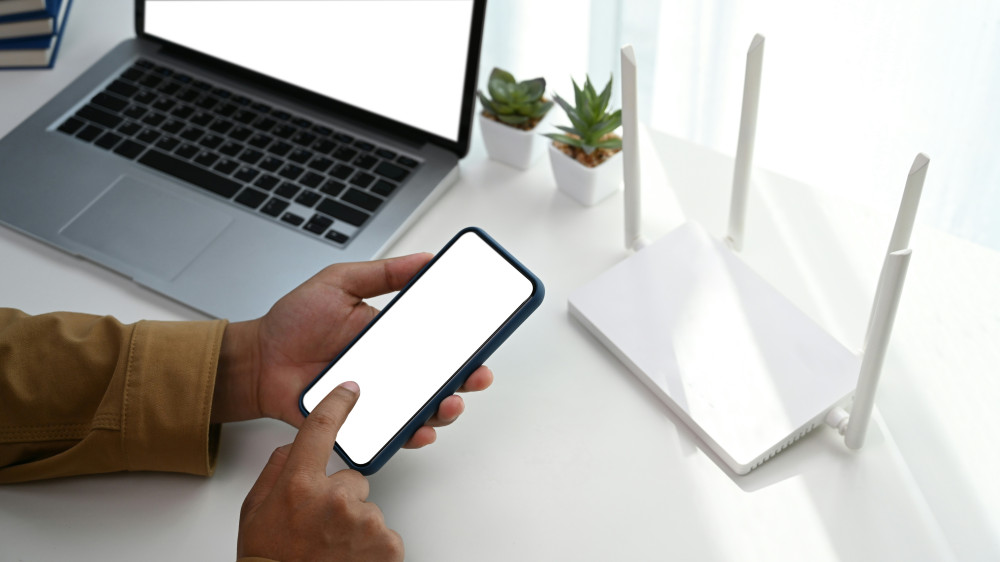
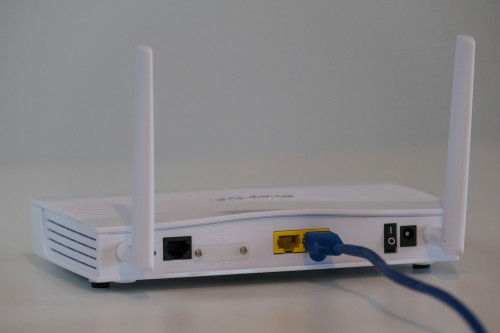
Where you put your router has a huge impact on how well your signal spreads. Many people hide it behind the TV, in a corner, or inside a cabinet—but that’s rarely ideal.
- Position your router centrally in your home, ideally at eye level and away from obstacles.
- Avoid metal and concrete, which can block the signal.
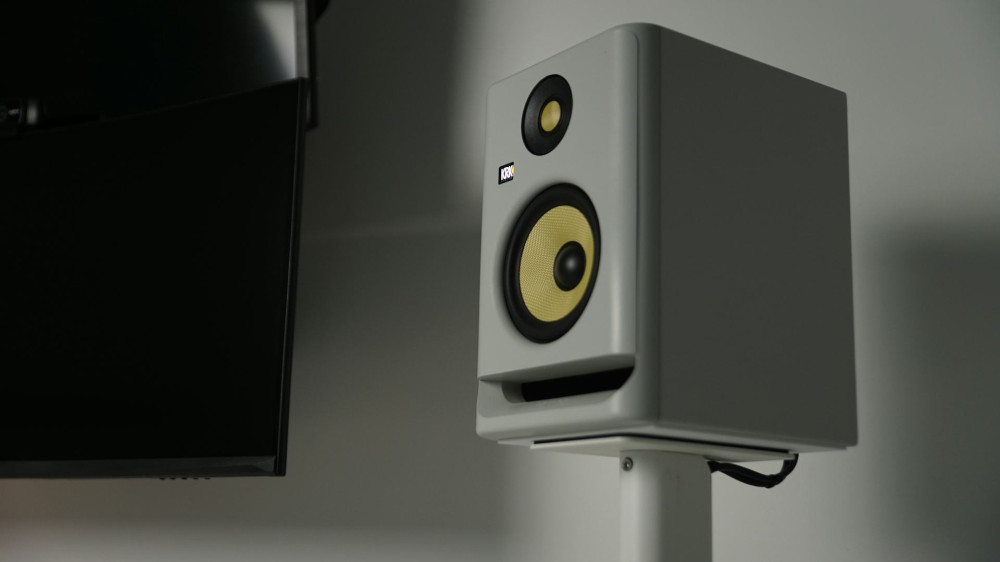
- Keep it away from electronics like microwaves, baby monitors, and Bluetooth speakers that can cause interference.
A simple trick is to imagine your router “shining” Wi-Fi in all directions. The more open space around it, the better your coverage will be.
Give Your Router a Fresh Start
Just like a computer, your router benefits from an occasional restart. It can clear temporary glitches and improve performance.
- Restart your router about once a month—either manually or through your provider’s app if that option exists.
- Update the firmware regularly to ensure your router runs the latest software and security patches.
It only takes a few minutes but can save you hours of frustration.
Know Your Devices—and Their Needs
Not all devices use Wi-Fi the same way. A smart bulb needs far less bandwidth than a 4K stream or a Zoom meeting. When too many devices are connected at once, your network can slow down.
- Prioritize important devices—many routers have a “Quality of Service” (QoS) feature that lets you give priority to, for example, your work laptop.
- Disconnect old or unused devices that still take up space on your network.
It’s all about balancing comfort and capacity.
Læs også:
Use Both 2.4 and 5 GHz—and Know the Difference
Most modern routers broadcast on two frequencies: 2.4 GHz and 5 GHz. Each has its strengths.
- 2.4 GHz reaches farther and penetrates walls better but is slower.
- 5 GHz offers faster speeds but shorter range.
If you live in a larger home, it can help to let some devices use 2.4 GHz while reserving 5 GHz for those that need high-speed connections—like your TV or computer.
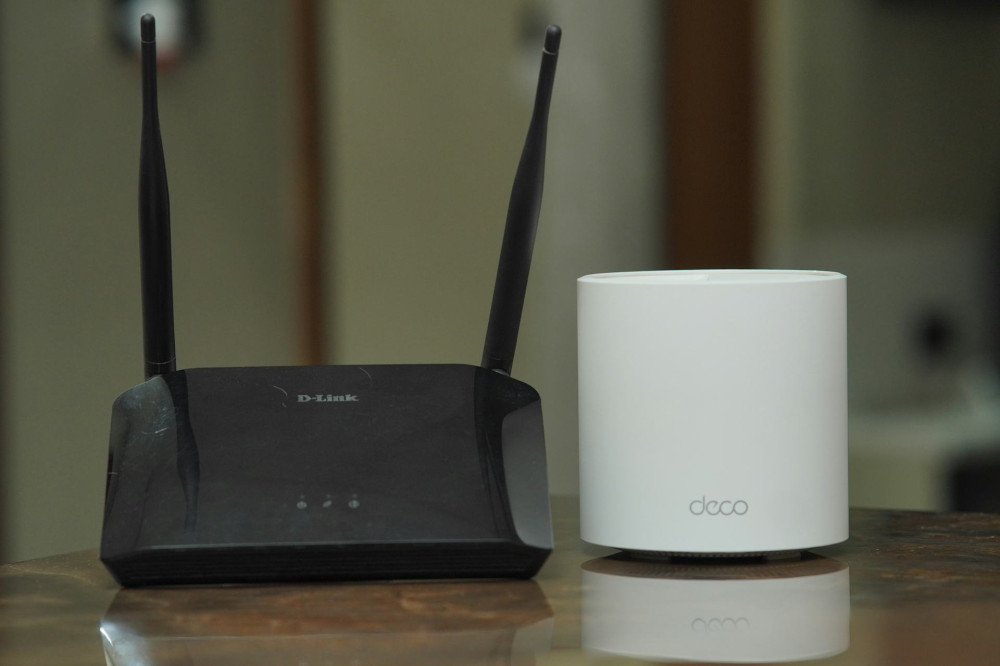
Consider a Mesh Network for Larger Homes
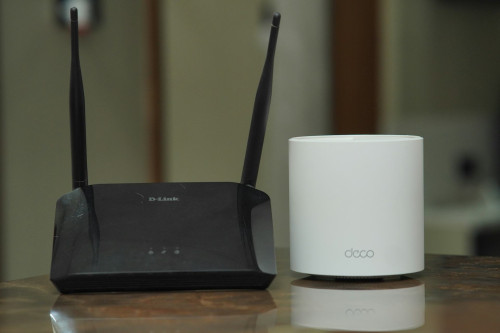
If you still experience dead zones even with good router placement, a mesh system might be the answer. It uses multiple small units that work together to distribute the signal evenly throughout your home.
Mesh networks are especially effective in multi-story houses or homes with thick walls. They take a bit of setup but deliver a much more stable experience in return.
Keep an Eye on Your Network
Many internet providers offer apps that show which devices are connected and how much data they’re using. This can help you spot if something is hogging bandwidth—or if someone nearby has gained access to your network.
Change your Wi-Fi password regularly, and use a strong one with numbers, letters, and symbols. It protects both your speed and your security.
Build Good Everyday Habits
A stable Wi-Fi connection isn’t just about technology—it’s about habits. Small routines can make a big difference:
- Turn off streaming services when you’re not using them.
- Avoid downloading large files during video calls.
- Have kids and guests use a guest network so your main network stays secure and fast.
Once these habits become second nature, you’ll hardly have to think about your connection at all.
A Small Focus That Brings Big Peace of Mind
A stable Wi-Fi network isn’t just a technical matter—it’s about comfort and peace in daily life. When your connection works smoothly, you can work, stream, and communicate without interruptions. With a few simple adjustments and a bit of attention, you can make your home network faster, more reliable, and more secure—every single day.
Læs også: